Home/Explained/When Your Second Factor Vanishes: A Troubleshooting Chain…
When Your Second Factor Vanishes: A Troubleshooting Chain for Account Lockouts
In this report
The fastest way back into a locked account often involves backup codes you generated earlier, a fallback phone number, or a second device already registered as trusted. If you have none of those, you are no longer troubleshooting a delivery problem. You are in account recovery, and that queue moves on its own timetable.
Where the Chain Actually Breaks
Failed two-factor authentication usually fails at one of four points: the delivery channel, the device generating the code, the recovery method you set up in advance, or the account policy that governs what support can and cannot do. Each failure produces different symptoms and demands different fixes. Treating all lockouts as "SMS delay" wastes hours and, in some cases, permanently forecloses faster routes back in.
SMS-based codes are the most common failure point. Messages from short codes—five or six-digit numbers used by automated verification systems—are filtered aggressively by carriers, delayed in network congestion, or blocked entirely on prepaid plans that restrict automated messaging. The code is not lost; it never left the sender's server, or it was discarded by an intermediate system you do not control. If your code does not arrive within a few minutes, requesting another may compound the problem: some services throttle repeated requests, and others flag rapid retries as suspicious activity.
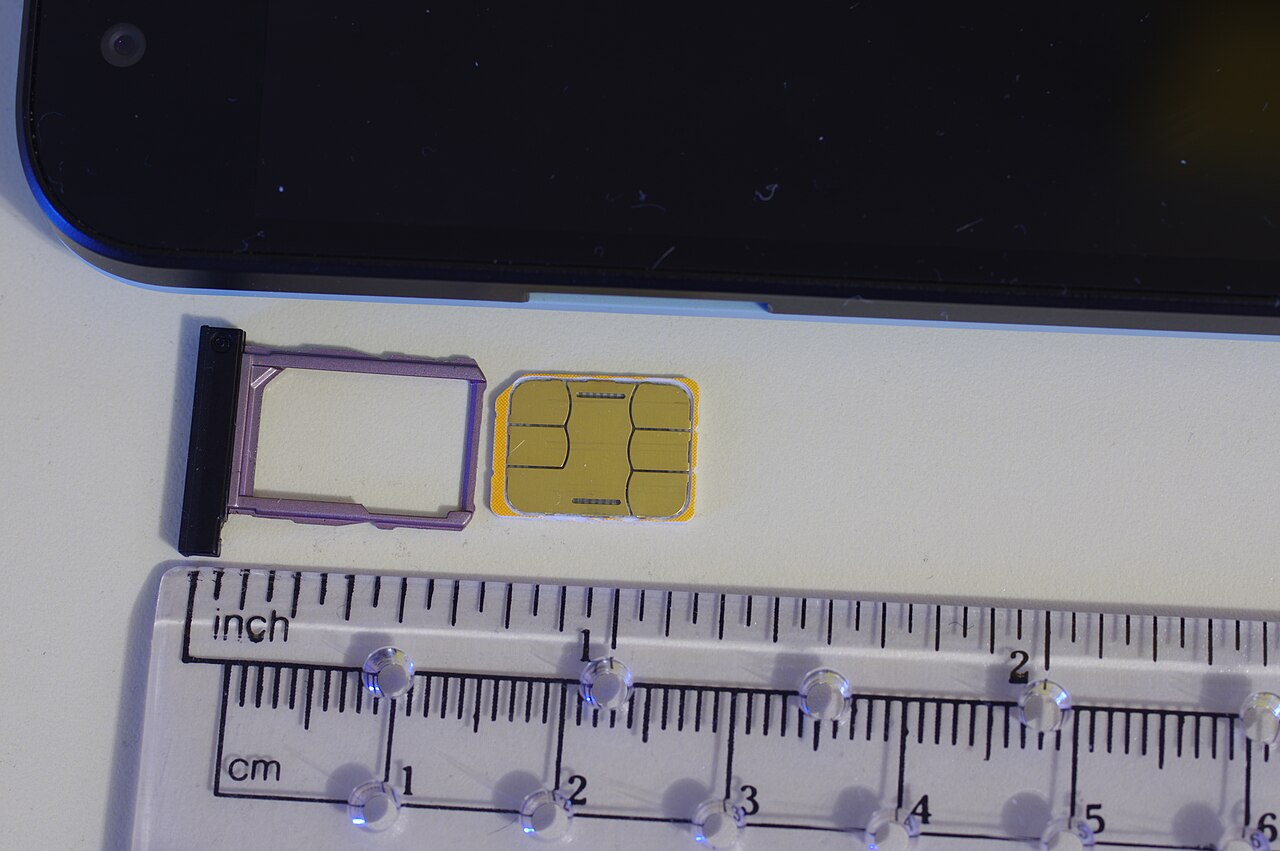
SIM swapping and number porting introduce a second SMS failure mode that looks identical from the outside. If your phone number was transferred to a new device or carrier without your involvement, the code arrives on someone else's handset. If you initiated the port yourself—upgrading to a new phone, switching carriers for a better rate—you may have broken the link between your number and your account before updating the service. The fix here is not requesting another code. It is regaining control of the number through your carrier, then updating the account's registered 2FA method before the attacker—or your own migration—does more damage.
When the Authenticator App Betrays You
Time-based one-time password (TOTP) apps such as Google Authenticator and Microsoft Authenticator generate codes that are valid for a short time and are sensitive to clock drift. If your phone's time is off by more than a few minutes, the app produces codes that your service rejects as invalid. The solution is buried in your phone's settings, not the app: enable automatic network time synchronization, then force-close and reopen the authenticator. Some services will reject a code near the end of its window as a replay-prevention measure; waiting for the next rotation often succeeds where immediate retry fails.
Device loss without preparation is harder. Google and GitHub both document that their TOTP implementations rely on secrets stored on the specific device where you activated 2FA. Lose that device without exporting or backing up the secret, and the app on your replacement phone generates codes for a different seed entirely. Google recommends treating authenticator setup as a migration event: use the app's built-in export function to transfer accounts to a second device before you need it, or rely on a hardware security key that persists across phones.
The Real Recovery Layer
Backup codes are the emergency exit that most users never install. Google's 2-Step Verification settings generate ten single-use codes that bypass the second-factor requirement entirely; GitHub offers a similar set. Wirecutter describes them as strings of numbers and sometimes letters that restore account control without SMS, authenticator apps, or security keys. They must be stored offline—printed, written, or saved to a password manager—because any digital copy accessible from your primary device fails the "something you have" test that 2FA is designed to enforce.
If you lost your backup codes, Google allows regeneration: sign in with your password and remaining second factor, navigate to 2-Step Verification, select "Show codes," then "Get new codes." The previous set is immediately invalidated. This presumes you can still sign in, which is the circular problem most users face. The regeneration feature is for rotation, not resurrection.
Twilio's verification best practices explicitly recommend pairing an authenticator app with backup codes at account creation, then registering at least one additional authentication method before you need it. For enterprise Google Workspace accounts, a super administrator can generate backup verification codes on a user's behalf and transmit them through a separate channel—useful when the user has lost all personal recovery paths but the organization retains administrative override.
The Hard Limits of Support
Help desks cannot simply disable two-factor authentication because you asked nicely. The design assumption is that anyone requesting removal could be an attacker who compromised your password and is now fishing for the final barrier. Account recovery flows exist precisely because human verification of identity is slow, expensive, and fallible. Expect documentation requests, waiting periods measured in days rather than hours, and no guarantee of success if your account history is thin or your recovery email is also compromised.
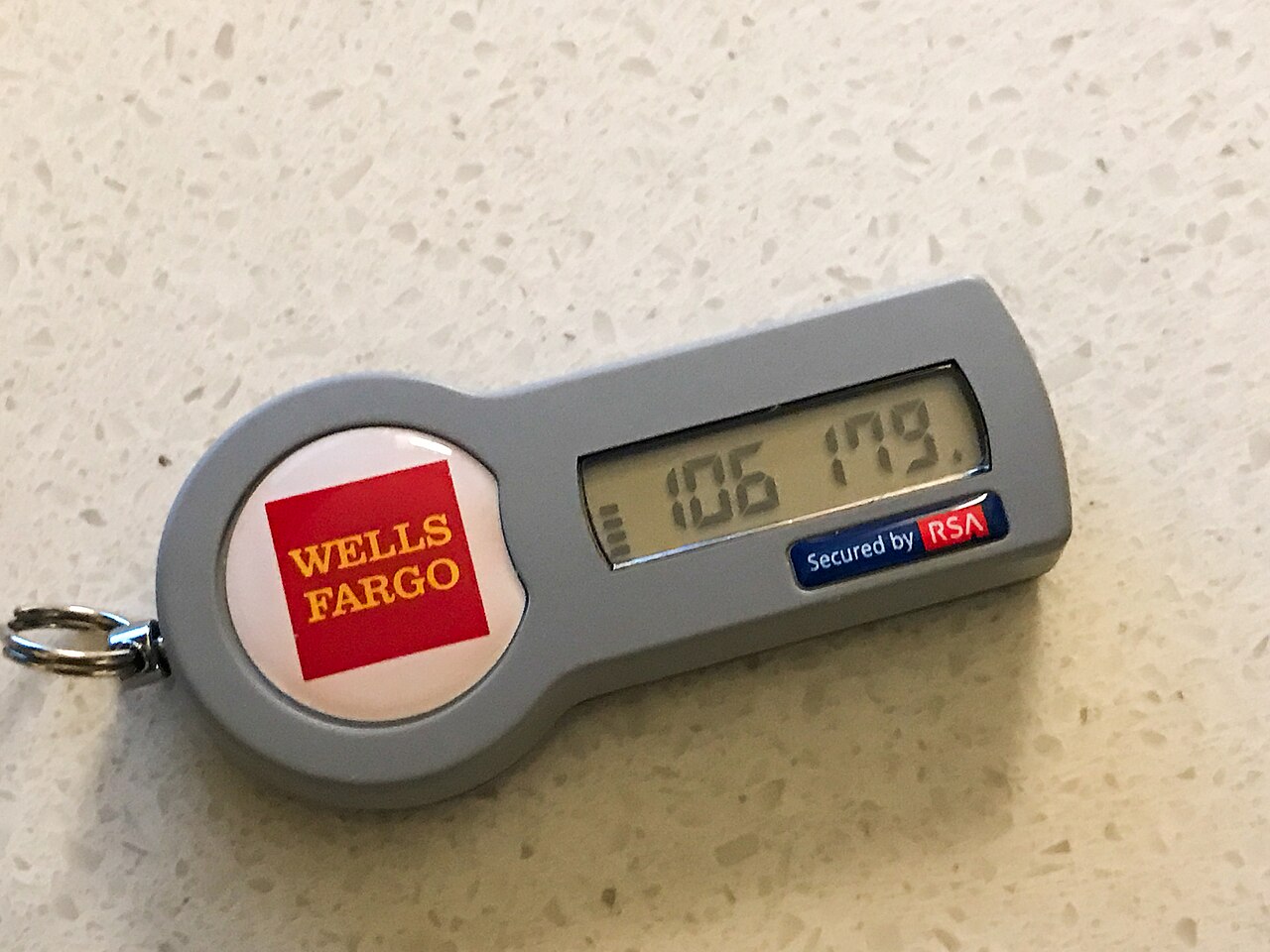
Security keys present their own recovery hierarchy. GitHub documents that a registered security key can serve as a secondary authentication method even if you lose access to your preferred TOTP app or phone number. If you lose the physical key itself, removal requires signing in with your password plus another second factor—again, the circular dependency that makes advance planning essential. Google advises removing a lost security key from account settings as soon as you have alternative access, preventing an attacker who finds it from using it against you.
Rebuilding After Lockout
If you are locked out now with no backup codes, no second device, and no administrator override, your immediate options are narrow. NordPass suggests contacting your mobile network operator to port your old number to a new SIM or device, restoring SMS delivery—but this assumes the number is still yours to claim and that SMS was your registered 2FA method. For authenticator-based accounts, recovery is entirely at the platform's discretion through their identity verification queue.
The durable fix is architectural. Wirecutter recommends protecting your phone number at the carrier level with a PIN against porting attacks, a measure that blocks the most common vector for SMS interception. Beyond that, distribute your authentication across multiple devices and methods: a hardware security key on your keychain, an authenticator app on a tablet kept at home, printed backup codes in a safe or with trusted family. No single point of failure should be able to exclude you permanently.
Account recovery systems are designed for the edge case you hope never to face. The designers assume that given enough time and documentation, identity can be reconstructed. Time is the variable they control, not you. The codes you generate today, stored outside your primary phone, are the only leverage you have against that clock.